Why real-time AI holograms suddenly feel within reach
A year or two ago, most “hologram” demos were either pre-rendered clips or carefully staged illusions that didn’t survive a noisy venue, a moving camera, or a real conversation. Now teams are seeing something closer to live presence: a person captured, reconstructed, and displayed with enough realism to hold attention for a keynote, retail moment, or remote performance.
The shift is mostly practical, not magical. Depth cameras and multi-camera rigs got easier to deploy, GPUs and edge servers got faster, and real-time rendering stacks matured. AI helps fill gaps—cleaning noisy capture, stabilizing faces and hands, and compressing what you transmit so it can stay responsive.
“Within reach” still comes with constraints: latency budgets measured in tens of milliseconds, high bandwidth, careful lighting, and hardware costs that can climb quickly once you leave the lab.
Start with the use case: presence, performance, or pure wow
The fastest way to cut through “holo” hype is to decide what you’re buying: presence, performance, or pure wow. Presence is the executive who can take Q&A with a customer group without feeling like a video call—eye line, timing, and turn-taking matter more than cinematic detail. Performance is the artist, trainer, or brand character who needs controlled blocking, consistent lighting, and repeatable staging; you can hide more technical seams if the show is designed for the medium.
Pure wow is the lobby moment: a life-size figure that looks impossible from one or two viewing angles and pulls phones out instantly. It’s often the easiest to ship because it can rely on tighter camera positions, shorter interactions, and a “sweet spot” where the illusion holds. The trade-off is durability: once attendees move around, ask for spontaneity, or film from the side, the setup has to graduate from clever staging to real-time reconstruction—and costs and complexity jump.
Hologram, volumetric video, or “holo” screen trick?
Walk a show floor and you’ll hear “hologram” used for three very different things. The most common is a screen-based illusion—Pepper’s Ghost style film, angled glass, or an LED wall with strong lighting control—that looks life-size from a preferred viewing zone. It’s reliable and comparatively affordable, but it isn’t truly 3D; move off-axis and the effect collapses.
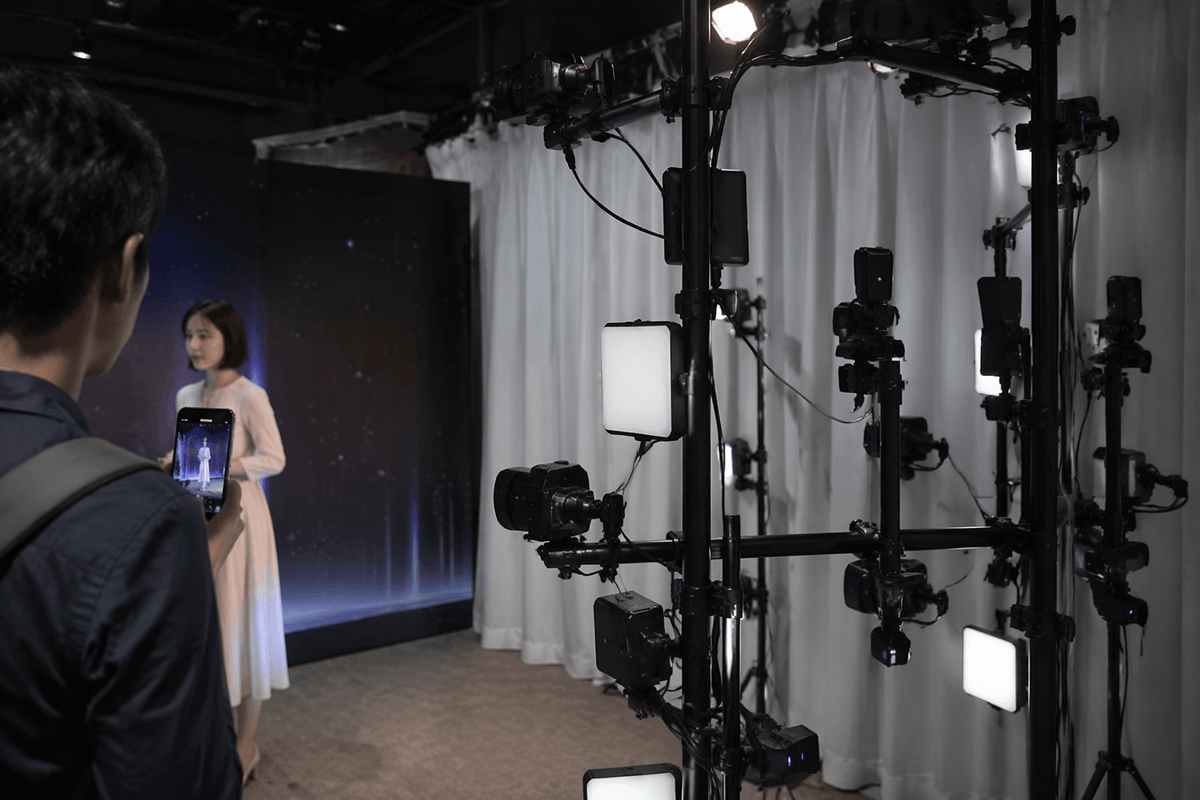
Volumetric video is the next tier: a person is captured by a multi-camera rig, reconstructed as a 3D sequence, and played back like a clip you can orbit around within limits. It can look stunning, but “real-time” usually means short, curated moments because capture stages are expensive, data rates are huge, and editing/cleanup still takes work.
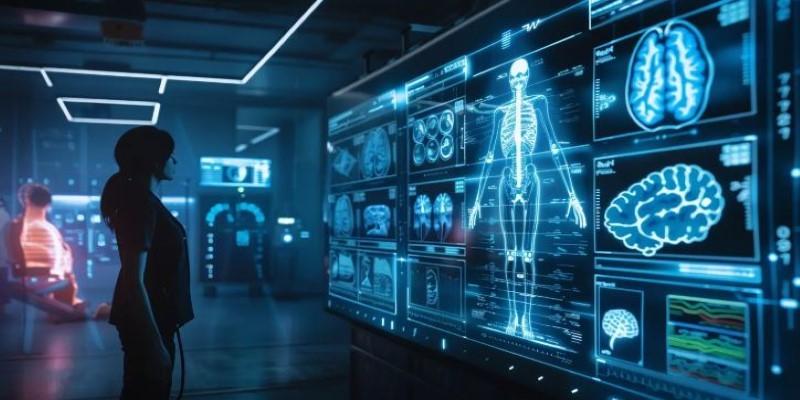
True holography—light-field-style displays that reproduce wavefronts—is rare in business deployments. Today, “real-time AI holograms” almost always means a live 3D avatar or reconstructed mesh rendered in real time and shown on AR headsets, 3D screens, or projection tricks, each with a different ceiling on realism and crowd scale.
The real-time pipeline: capture, model, render, display
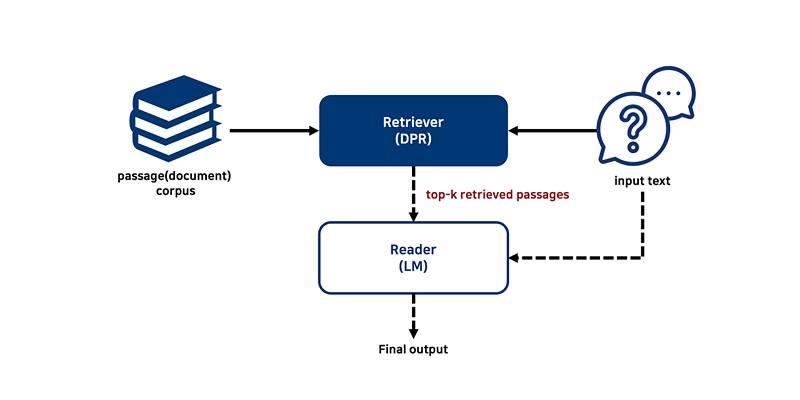
In practice, a “real-time holo” experience is a pipeline with four linked stages, and the weakest stage sets the ceiling. Capture comes first: a single depth camera can work for a kiosk demo, but life-size realism usually pushes you toward multiple cameras, controlled lighting, and careful placement to avoid hair, hands, and glossy clothing breaking the reconstruction.
That live signal is turned into something renderable: a tracked skeleton plus a mesh, point cloud, or neural avatar. AI often shows up here as denoising, hole-filling, face and hand stabilization, and background separation so you’re not transmitting a full 3D scene. The output is compressed for transport, sometimes on an edge server near the venue, because shipping raw volumetric data over the public internet is rarely stable enough for conversational timing.
Rendering and display then determine what the audience believes. AR headsets can deliver convincing parallax for one viewer, while “holo screens” and projection tricks scale to crowds but depend on a sweet spot and tighter staging. Every conversion step adds delay, so teams end up trading fidelity for responsiveness, and paying for it in GPUs, bandwidth, and on-site rigging time.
Latency and realism trade-offs you can’t ignore
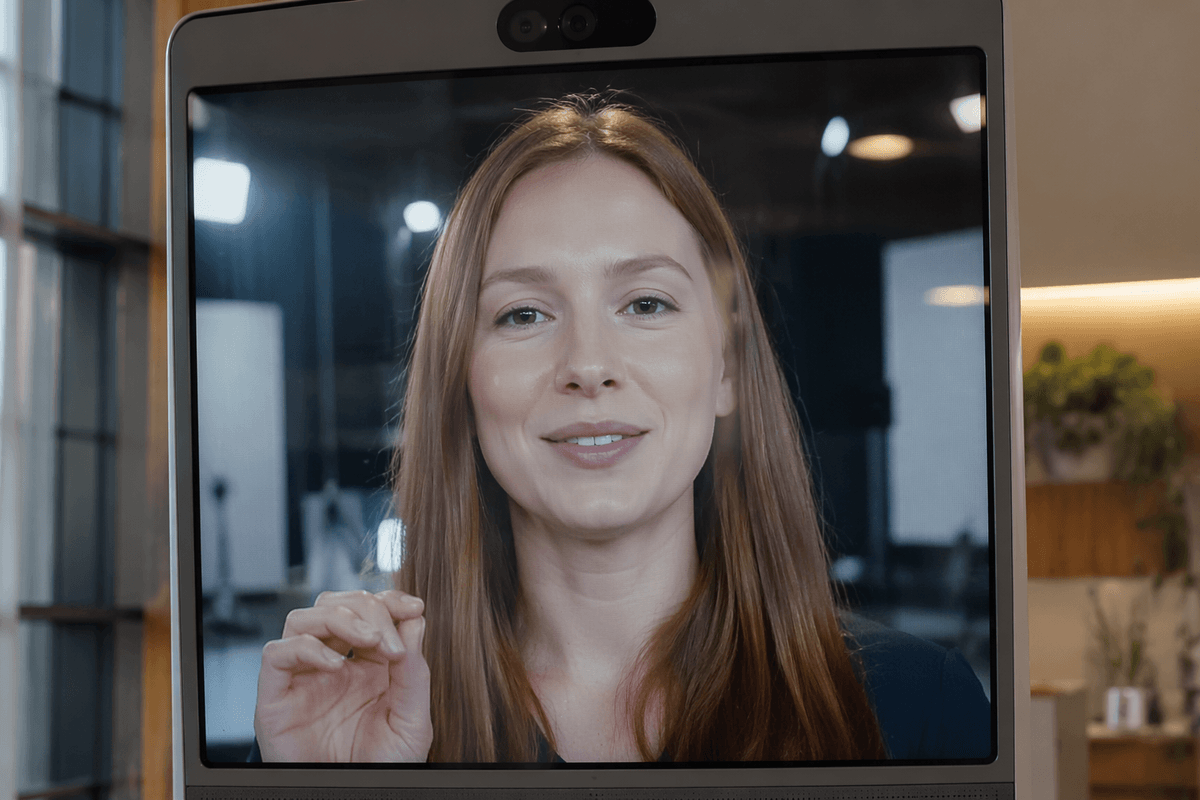
You notice latency first in the small human cues: people talk over each other, laughs land late, and a speaker starts “performing to the delay” instead of reacting naturally. For live presence, total end-to-end latency needs to stay low enough that turn-taking still feels conversational; once it drifts upward, teams often switch to more scripted segments, fewer audience interactions, or a “host in the room” who can buffer awkward timing.
Realism competes directly with that timing. Higher-fidelity capture (more cameras, higher resolution, better hair and hand detail) increases compute and data, which pushes encoding time and network sensitivity. Aggressive compression and AI cleanup can keep things responsive, but it may introduce face jitter, waxy skin, or occasional geometry pops—problems that become obvious on a life-size display. Lighting and wardrobe choices become technical decisions too, because shiny fabrics, fast hand motion, and dark hair are still hard cases.
Shaving 20–40 milliseconds often means edge GPUs on-site, dedicated networking, and rehearsals that look more like a broadcast setup than a typical event AV load-in. If your use case depends on spontaneous Q&A, prioritize responsiveness over perfect detail; if it’s a choreographed performance, spend the budget on fidelity and stage control.
AI’s role: from photoreal avatars to generative motion
Watch what vendors call “AI holograms” and you’ll usually find two different AI jobs. One is reconstruction quality: turning messy live capture into a stable face, believable hands, and a body that doesn’t flicker when someone turns sideways. The other is bandwidth and timing: learning-based compression, cleanup, and super-resolution so you can transmit less data without the person looking like a noisy point cloud.
Photoreal neural avatars can be the fastest path to “wow,” because they replace hard-to-render geometry (hair, skin microdetail) with a learned model that holds up under typical stage lighting. They often need a scan or training session, controlled lighting, and ongoing tuning when wardrobe, cameras, or lenses change. They can also fail in ways audiences notice—odd eye contact, lip-sync drift, or overly smooth expressions.
Generative motion is a different tool: filling missing frames, smoothing joints, or driving a stylized character from sparse tracking. It reduces hardware demands, but it also reduces truth. For an executive Q&A, “plausible” movement that isn’t accurate can read as untrustworthy, even if the system is technically impressive.
Operational reality: cost, safety, privacy, and rollout steps
In the real world, the “can we ship it?” questions show up fast: what it costs, what can go wrong in a venue, and what data you’re creating. A Pepper’s Ghost-style illusion or a 3D “holo screen” can often be rented and run with familiar event AV staffing. Live 3D capture and reconstruction typically adds specialized crew, calibration time, edge GPUs, and a network plan that assumes the public Wi‑Fi will fail. Budget also hides in logistics: camera rigging, lighting control, redundant power, and rehearsal hours that look closer to broadcast than a standard keynote.
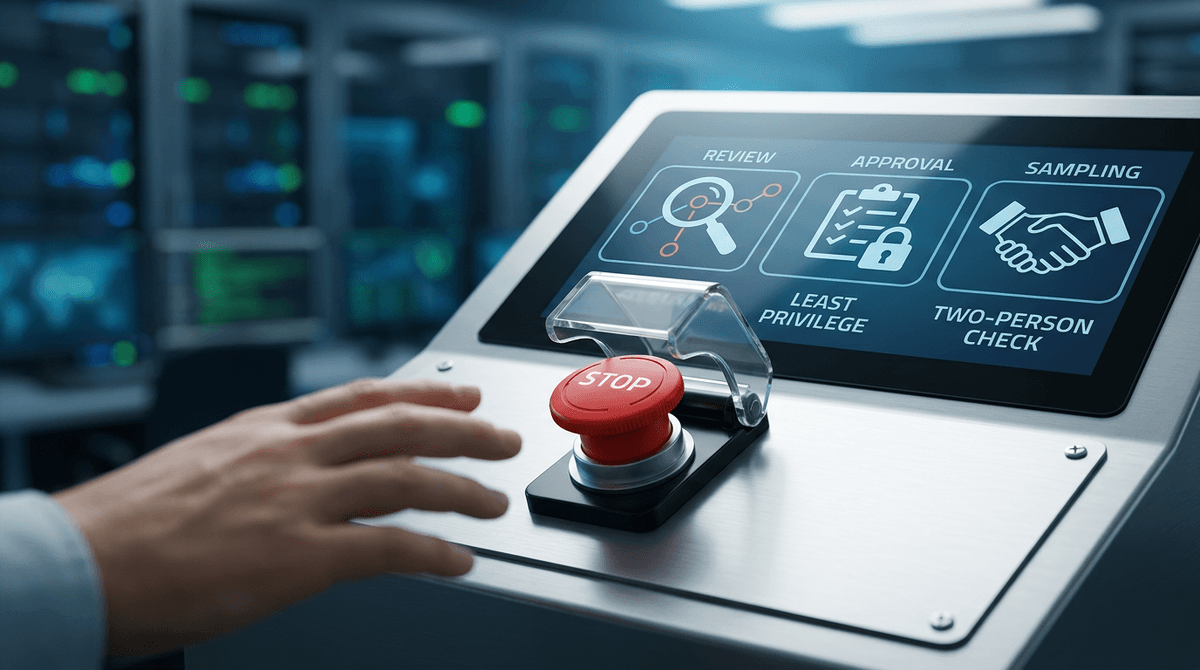
Safety and reliability are mostly unglamorous. Trip hazards from stands and cables, heat and noise from compute, sightline management, and crowd control matter more than the shader stack. You also need a “degraded mode” plan—switch to 2D video, reduce frame rate, or lock to a scripted segment—because a live pipeline will have occasional tracking loss, network jitter, or audio sync drift.
Live volumetric capture can include bystanders, and neural avatars raise questions about consent, retention, and reuse. Treat capture like a production: clear signage, opt-out zones, minimal data retention, and explicit approvals for scanning and voice. The clean rollout is a pilot: controlled environment, one display type, measurable latency and uptime targets, then expand to harder venues and larger audiences once operations are repeatable.
A practical path forward for your first real-time holo project
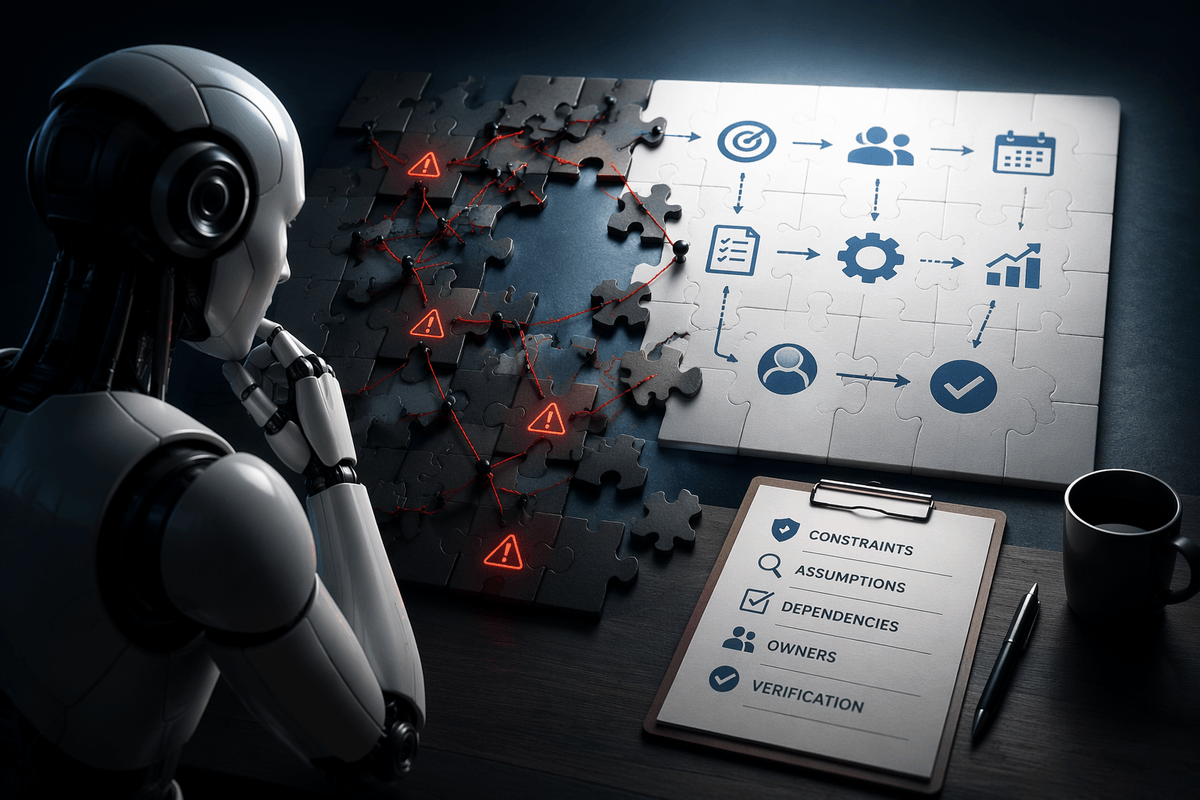
Picture the first deployment like a live demo that has to survive real people, not a trailer. Pick one moment that matters—30–90 seconds of guided interaction, a short performance beat, or a concierge-style welcome—then choose the simplest display that still sells it (often a “holo screen” or staged projection before full live 3D capture). Define three acceptance metrics up front: end-to-end latency, “minutes between visible glitches,” and setup/reset time.
Procure in layers: rent a display and crew first, then add live capture, then add AI enhancement only where it measurably helps. Plan for rehearsal time, controlled lighting, dedicated networking, and a fallback mode (2D video or scripted playback). If the pilot depends on scanning or voice, lock down consent and retention policies before you record anything; retrofitting trust is slower and more expensive than tuning a renderer.